---
title: Overview
description: "An AI-native computer for running and configuring agents."
---
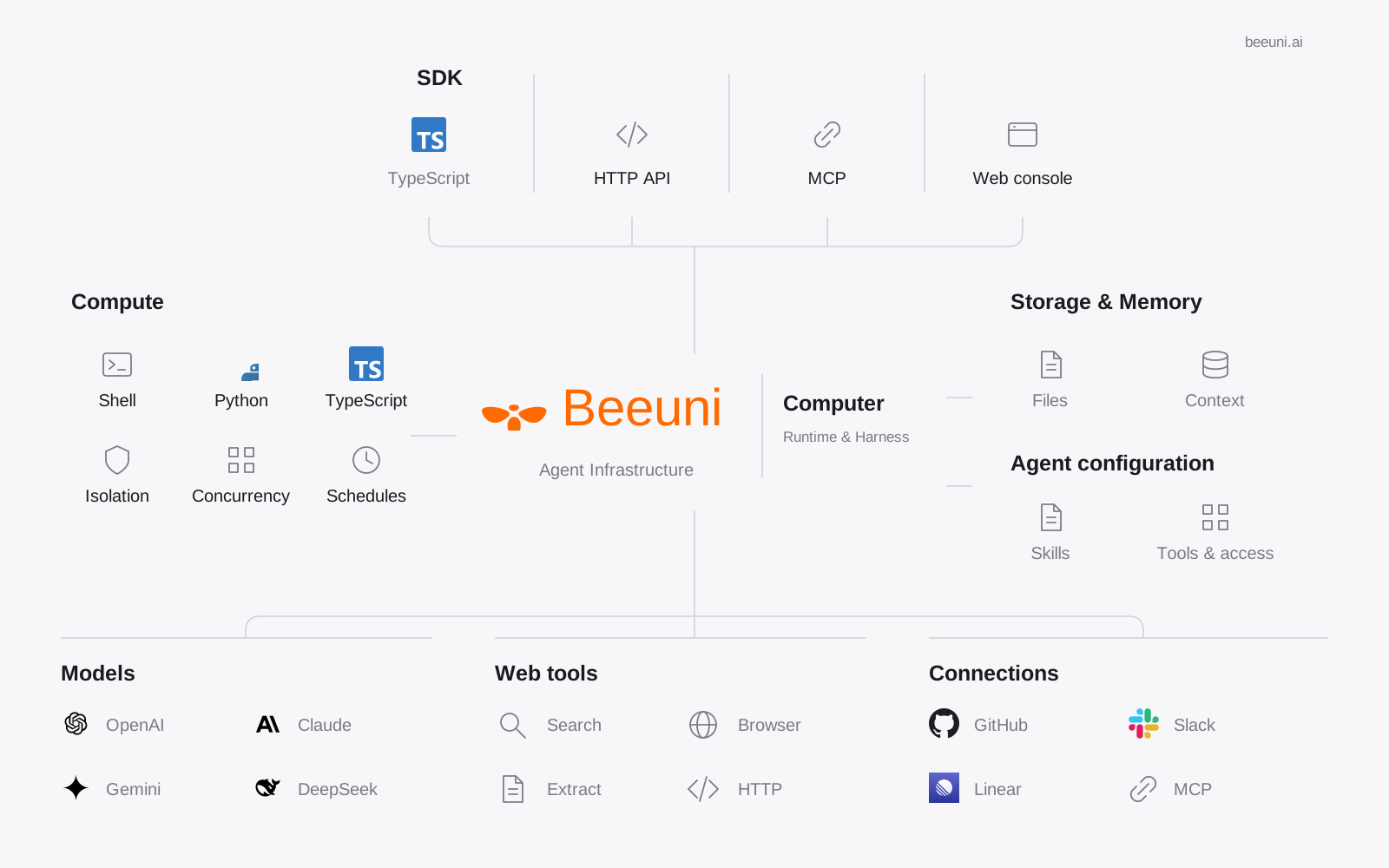
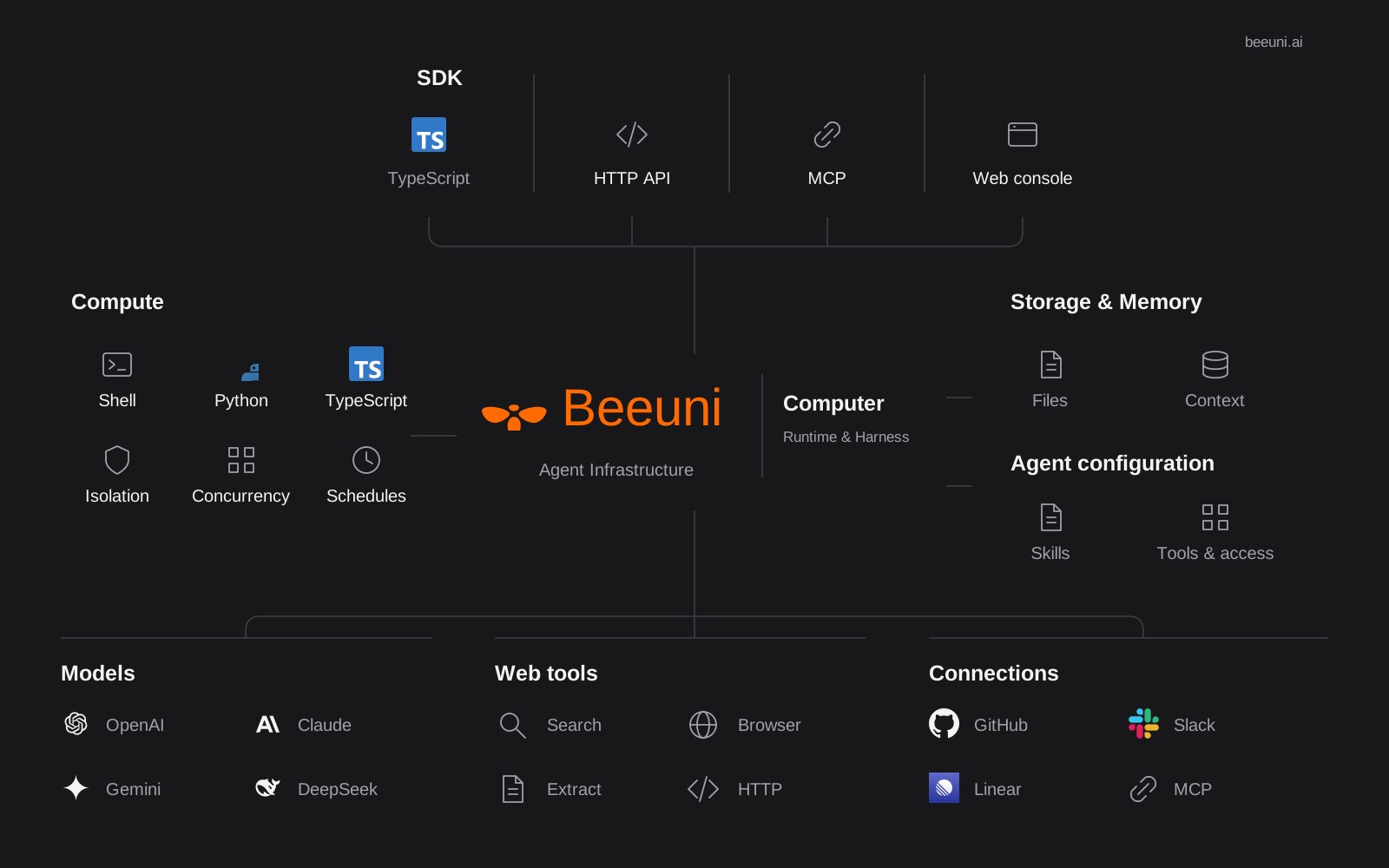
Beeuni is an [AI-native computer](/docs/cloud-computer) where agents run
programs, operate a browser, and use connected tools. It manages their identities,
skills, permissions, memory, and runtime state. Use it directly or connect it to
your product through the API and SDK.
A session runs an agent in an isolated sandbox. When the agent has access to
the project repository, it works on a separate branch. The agent can submit
its file changes as a change request for you to review and merge into the default branch.
```text title="Beeuni project structure"
project (git repo + beeuni.yaml)
└─ session ──> isolated sandbox on branch ""
└─ agent commits + pushes
└─ change request ──> merge ──> default branch
```
New projects use a v2 manifest and the default runtime [harness](/docs/work/harnesses).
Existing v1 projects keep their compatibility behavior.
Create a project, start a session, and merge your first change request.
Set up the manifest, agents, models, and secrets.
Sessions, sandboxes, and change requests.
Connectors, Slack, computers, and triggers.
Deploy applications and persistent services.
CLI commands and the live platform reference for people and agents.